Your kid hands you the laptop and announces it has a virus. It probably doesn't. It's just tired, the way every computer gets after two years of browser tabs nobody ever closes. Before you pay a $150 diagnostic fee at the electronics store, read this.
Last updated: October 2026 · By Gen X Still Standing
A slow, glitchy, or misbehaving Windows computer is usually not a virus. Nine times out of ten, "it's got a virus" actually means something's cluttered or needs a clean slate.
Microsoft built an entire ladder of options for this. The rule is simple: back up, then try the least destructive fix first. Doing it yourself costs $0 to $25. Compare that to a $150 diagnostic fee at the electronics store.
The full step-by-step is in the Fire the Guy playbook. Grab the free list below to get started.
There are no permit issues here. The real risk is data loss or licensing headaches, and the backup step solves both. Back up your files and settings before touching anything else.
A physically failing drive, corrupted firmware, liquid damage, or a work laptop with company-managed encryption. Those go to IT or a real repair shop.
I learned the trades hands-on and ran my own construction company in Colorado. Not knowing is where the upsell lives. Now you know.
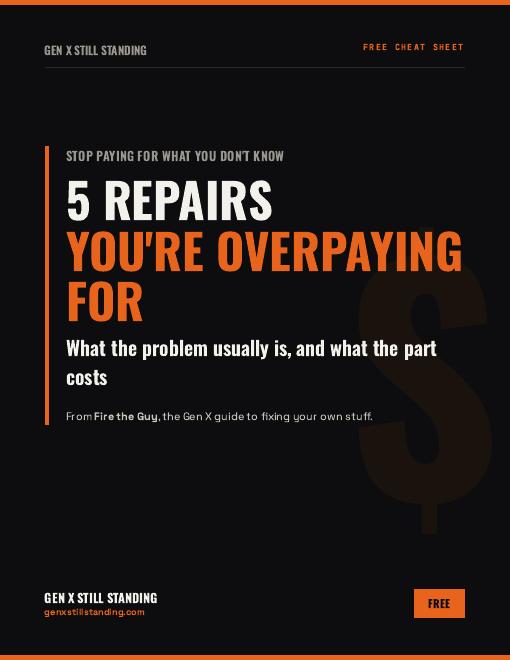
Get the free cheat sheet: 5 repairs people overpay for, what's usually wrong, and what the part costs at the hardware store.
Free. You'll also get the weekly newsletter. Unsubscribe anytime. Privacy Policy.
Does my slow laptop have a virus?
Usually not. Nine times out of ten, "it's got a virus" actually means something's cluttered or needs a clean slate.
What should I do before resetting my laptop?
Back up your files and settings first. If your drive is encrypted, confirm you know your BitLocker recovery key.
How much does it cost to fix a slow laptop yourself?
$0 to $25. You need a Microsoft account for Windows Backup, storage, and a USB drive if you need installation media.
When should I take it to a repair shop?
A physically failing drive, corrupted firmware, liquid damage, or a work laptop with company-managed encryption goes to IT or a real repair shop.
Educational only. Follow Microsoft's instructions for your version of Windows. When in doubt, take it to IT or a real repair shop. Built by a Gen Xer with AI, for Gen Xers.